How plant recognition works, and whether an app can really name your plant.
Plant recognition apps compare your photo with patterns learned from millions of labelled plant images, then return a ranked list of the most likely species. They are often right: in a 2023 field test of five free apps, the first suggestion was correct for 69% of photos and the right answer was in the top five for 85%. They are not reliable enough to decide whether a plant is safe to eat or touch.
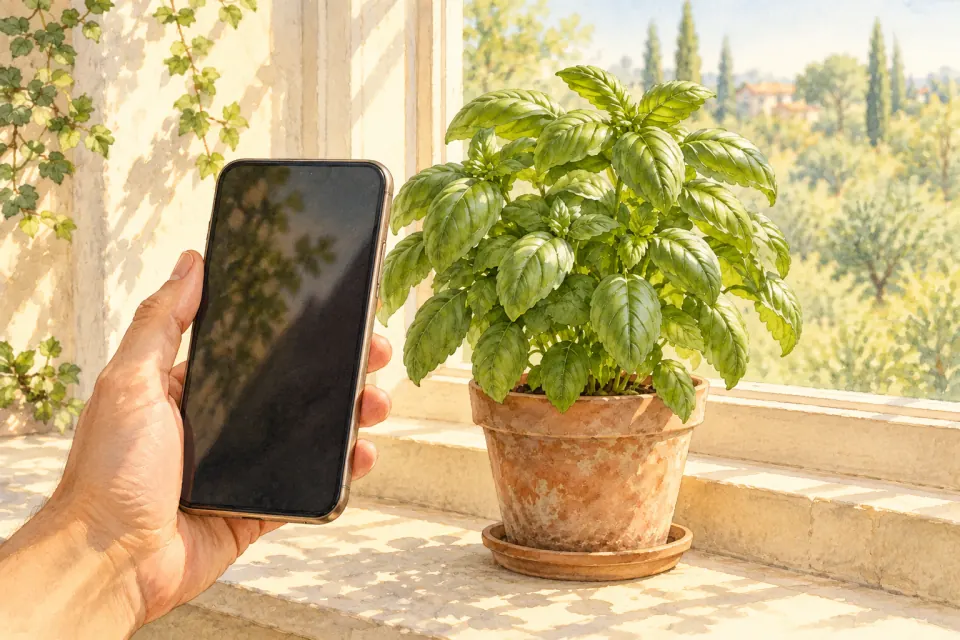
What plant recognition does with your photo
When you point a plant scanner app at a leaf, it does not look the plant up in a book of descriptions. The photo goes into a model, usually a type of neural network, that has been trained to turn an image into a set of scores, one for every species it knows. The app then shows the species with the highest scores, often with a confidence figure and sample photos so you can compare.
The model has no idea what a petal or a leaf margin is in the way a botanist does. During training it learned which combinations of shapes, textures, colours and edges tend to appear in photos labelled with each name. When your photo contains a similar combination, that species scores highly. This is why a sharp, close photo of a flower often gives a confident answer, while a blurry shot of a hedge gives a list of loosely related shrubs.
How a plant detector learns
The quality of a plant detector depends mostly on its training images. Each one needs a correct name attached, and the collection needs many photos of each species taken in different seasons, light and growth stages. Gathering that is the hard part.
Large public projects build these collections with help from volunteers. Pl@ntNet, run by the French research institutes CIRAD, INRAE, Inria and IRD, describes itself as based on cooperative learning: users share observations, image filters reject photos that are too blurry or cluttered, and only observations whose identification is in very little doubt are shared back into the collection. When we checked in October 2026, its website described the service as kept open and free to everyone through donations. iNaturalist works in a similar way: people upload observations, other members confirm or correct the name, and agreed records can then help improve the model.
This approach has a built-in bias. Common, showy and widely photographed plants have thousands of examples, while rare species, local subspecies and garden cultivars may have very few. The model is usually best at the plants people already photograph most.
Why the plant part and your location matter
Many plants look alike from one angle and different from another. Two shrubs can have almost identical leaves but very different flowers. For this reason some apps, including Pl@ntNet, ask you to say which part you photographed, such as a leaf, flower, fruit or bark, and let you submit several pictures of the same plant. Combining evidence from more than one part narrows the answer.
Location is a second filter. A species that has never been recorded on your continent is less likely to be the right answer, so apps that know roughly where you are can push local species up the list. The catch is that gardens and houseplants break this rule: a tropical houseplant in a flat in Paris is out of its natural range, and a filter based on wild records can work against it.
How accurate is plant recognition in real conditions?
Laboratory results on clean images can be very high, but field use is messier. A useful real-world test was published in People and Nature in 2023 by Hart and colleagues. They used five popular free apps, including Pl@ntNet, Google Lens, PlantSnap, LeafSnap and Seek by iNaturalist, on 857 professionally identified photos of 277 species taken outdoors.
- First suggestion: correct for 69% of images across all the apps.
- Top five suggestions: the right species appeared for 85% of images.
- Best apps: at least one of the three best-performing apps named the right species first for 96% of images.
- Plant type mattered: results differed between woody plants, wildflowers, grasses, rushes and sedges, and ferns and horsetails.
The authors concluded that free apps are valid and useful for quick identification, with caveats. In practice that means trusting a confident match on a common, distinctive plant more than a low-confidence match on a grass or a seedling, and checking the top few suggestions rather than only the first.
Where a plant scanner app gets it wrong
Most mistakes come from a small number of situations:
- Close look-alikes: species in the same genus can differ only in hairs, seed shape or a feature the photo does not show.
- Young or unusual growth: seedlings, juvenile leaves and stressed plants often look unlike the adult plants in training photos.
- Cultivars and hybrids: a garden variety may be named only to the parent species, or matched to a different plant with a similar colour.
- Poor photos: several plants in one frame, strong shadows or a busy background confuse the model.
- Rare species: if a plant is barely represented in the training data, the app may give a confident answer for a commoner relative.
An app will almost always return some answer, even for a photo of a plastic plant. A result is a suggestion to check, not a verdict.
Toxic plants: why a plant checker app is not enough
The stakes rise when the question is whether a plant is poisonous. A 2021 study in the Journal of Medical Toxicology by Otter, Mayer and Tomaszewski tested three apps on 17 commonly encountered toxic plants, photographing whole plants, leaves and flowers. PictureThis identified 10 of the 17 species correctly in every test, Pl@ntNet 8 of 17, and PlantSnap 1 of 17. The authors saw a role for apps as a helpful aid, but the gaps show why a plant checker app cannot be the final word on safety.
Follow a few firm rules:
- Never eat a wild plant, berry or mushroom based on an app result.
- If a child or pet has eaten part of a plant, call a poison control centre or vet first, and use the app only to help describe the plant.
- Keep a sample or a clear photo of the plant to show professionals.
The guide to edible and toxic wild plants covers the most common dangerous look-alikes in more depth.
How to get a better answer
- Photograph one plant at a time. Fill most of the frame with it.
- Start with the flower or fruit. They carry the strongest clues. Add a leaf, both sides if you can.
- Use soft, even light. Avoid harsh midday shadows and flash glare.
- Submit several photos. Different parts of the same plant help the model rule out look-alikes.
- Compare the reference images. Read the top three suggestions and check details such as leaf arrangement and flower shape yourself.
- Check a second source. A field guide, a local botanic garden or an online community can confirm a doubtful match.
The plant photo guide shows how to frame leaves, flowers and stems so that both apps and people can identify them.
Frequently Asked Questions
Answers to common questions about plant care and this tool.
Related plant guides and tools
View all guides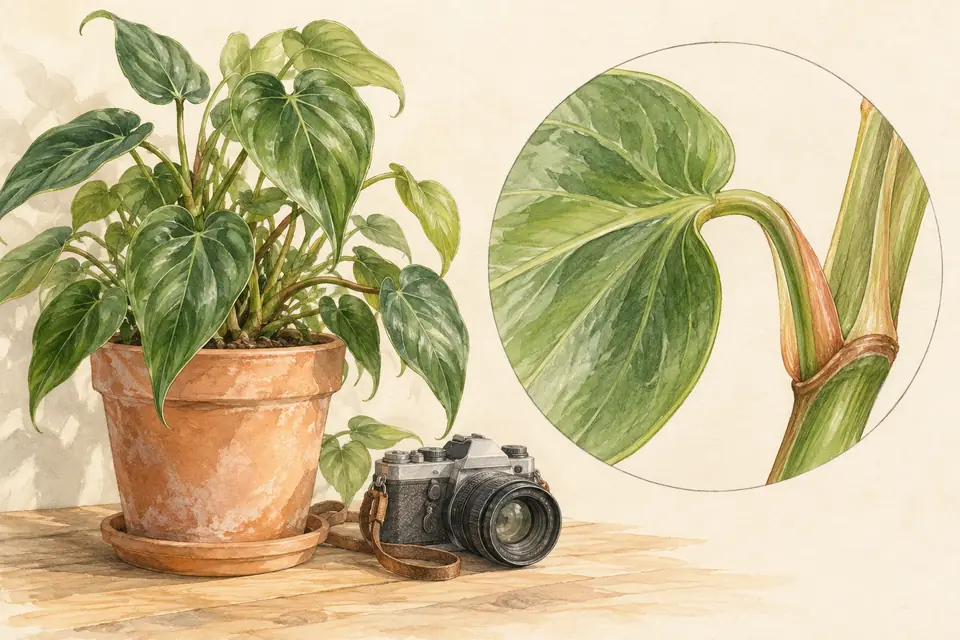

Further reading and references
- Assessing the accuracy of free automated plant identification applications — People and Nature (Hart et al., 2023) Field test of five free apps on 857 photos of 277 species; first-suggestion and top-five accuracy. [Source ]
- Swipe Right: a Comparison of Accuracy of Plant Identification Apps for Toxic Plants — Journal of Medical Toxicology (Otter, Mayer and Tomaszewski, 2021) Accuracy of three apps on 17 commonly encountered toxic plants. [Source ]
- About Pl@ntNet — Pl@ntNet Cooperative learning, image quality filters and how shared observations are selected. [Source ]