How to photograph a plant for identification.
A useful identification photo shows features clearly. Start with the whole plant, then record details that distinguish it from similar species. Clearer images help, but no photo technique guarantees a correct identification or a particular confidence score.
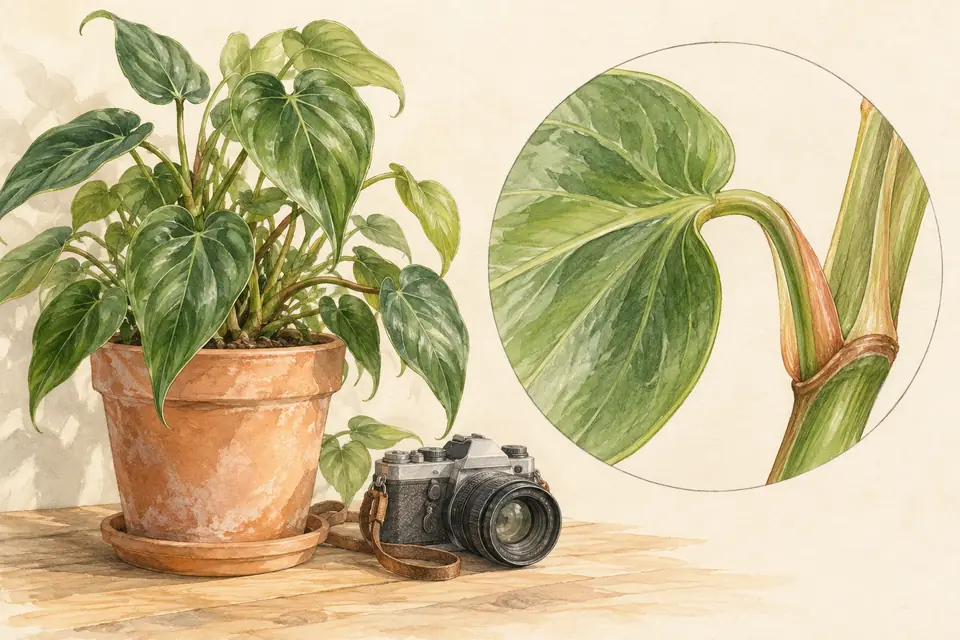
1. Photograph the whole plant first
Step back far enough to show its shape and growth. Is it a tree, shrub, climbing vine, rosette, or low spreading plant? Keep the main subject clear rather than filling the frame with several overlapping species.
Take a second view of the branch or stem with several leaves attached. The way leaves join the stem can be useful, and a detached leaf loses that context. Keep the plant intact; there is no need to pick or cut it for this checklist.
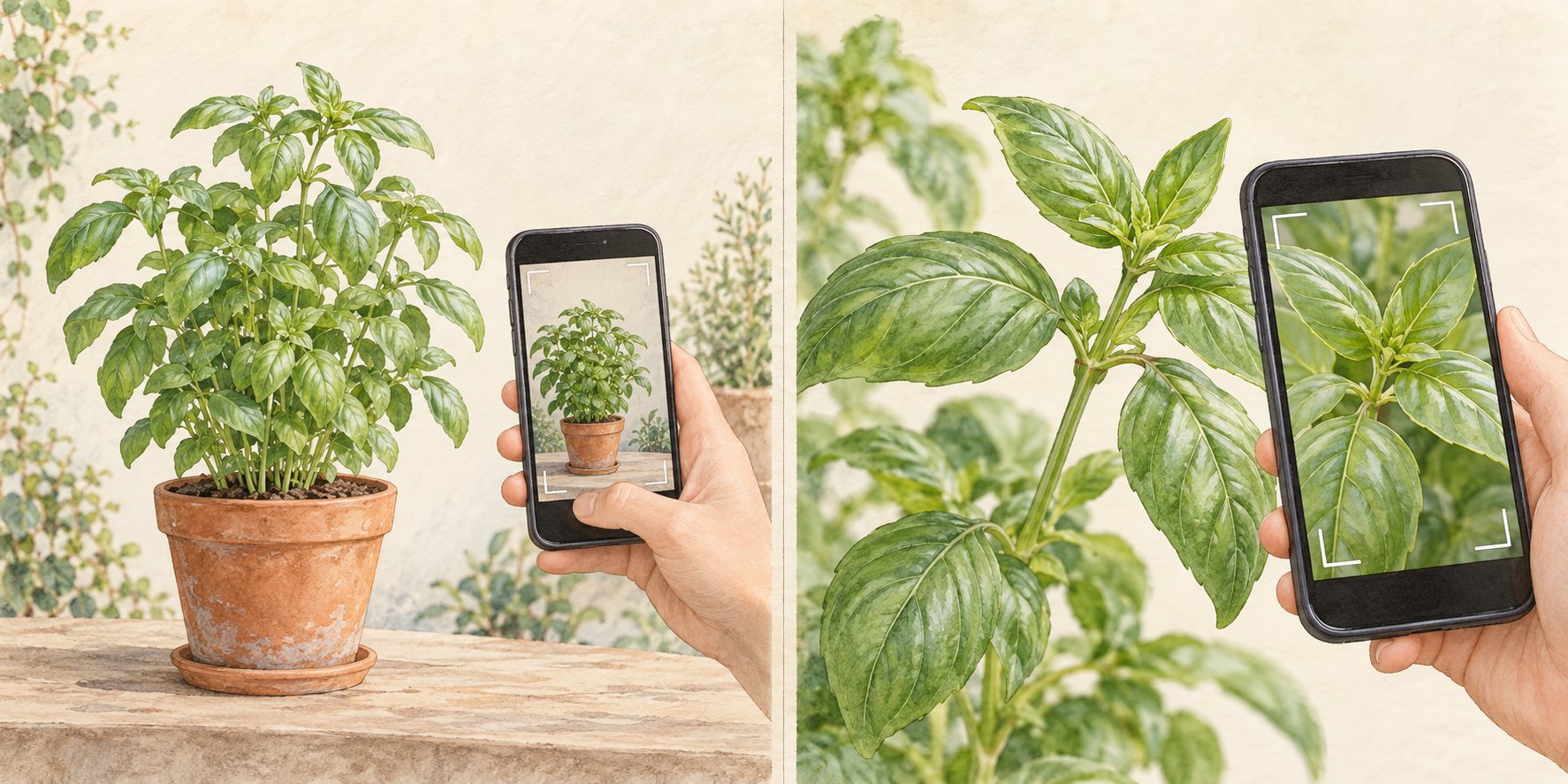
2. Build a small set of detail photos
Save separate images of the same plant for comparison or expert review. If the upload form accepts one photo at a time, start with the clearest relevant view. Keep the other photos available rather than combining tiny images into a collage.
| View | Details to include |
|---|---|
| Whole plant | Overall shape, branching, and nearby growing conditions. |
| Leaf and stem | The complete leaf outline, visible veins, and where it joins the stem. |
| Leaf underside | Surface color and texture, if visible without unsafe handling. |
| Flowers or fruit | A clear front view and side view, with their attachment to the plant. |
| Woody stems | Bark, buds, and branching. Include more than a close-up of bark alone. |
For a plant health question, add a whole-plant view and close-ups of the damaged area. Include healthy tissue nearby so the pattern is visible. A photograph can document symptoms but does not confirm a pathogen.
Extra views for different kinds of plants
Each plant group hides its best clues in a different place. Add these views to the basic set.
| Plant group | Extra views to take |
|---|---|
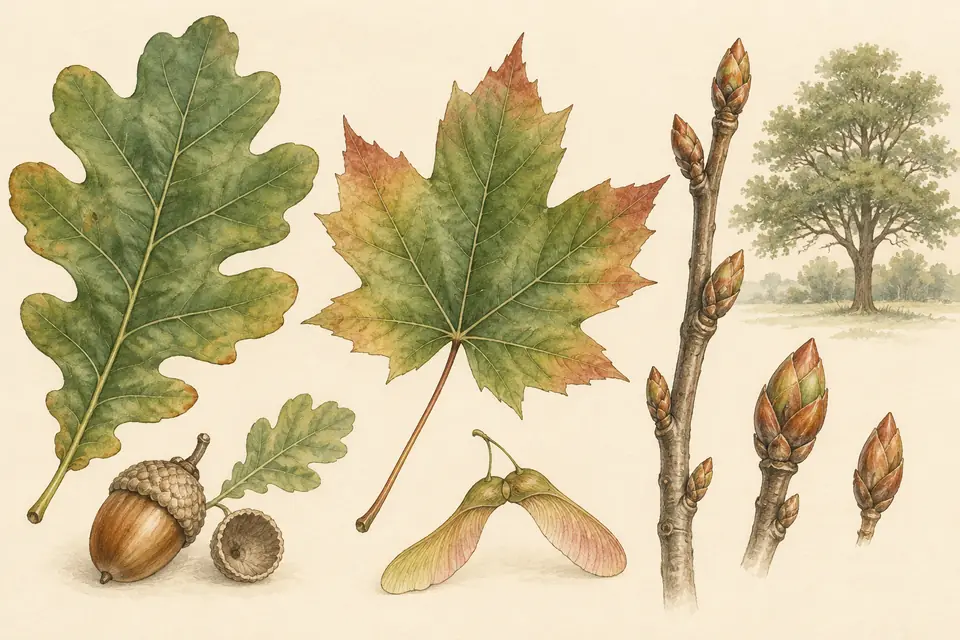
| Trees and shrubs | A twig with several leaves, the bark at eye height, buds, and fruit or cones. The tree and shrub identification guide explains what each view shows. |
| Wildflowers | The flower from the front and the side, the leaves at the base, and the leaves higher on the stem. They are often different. |
| Grasses | The seed head, the place where the leaf joins the stem, and the stem itself. Note if the stem is round, flat, or triangular. |
| Ferns | The underside of a frond. Many ferns carry brown spore patches there, called sori, in a pattern that helps separate species. |
| Succulents and cacti | A view from directly above, and a close-up of the spines and the small cushions they grow from, called areoles. Keep your hands away from the spines. |
| Houseplants | The top and underside of a leaf, a node on the stem, new growth, and any aerial roots. |
| Climbers | How the plant holds on: tendrils, twining stems, or aerial roots. |
3. Make focus and lighting work for you
- Clean the camera lens. Tap the subject on your screen to focus, then inspect the saved image for blur.
- Use even light where possible. Move your viewpoint if glare or deep shadows hide the leaf surface.
- Stay within the camera’s focusing distance. If moving closer makes the image blurry, step back and try again.
- Hold the phone steady and wait for wind to settle. A sharp wider view is more useful than a blurred close-up.
- Avoid beauty filters, artificial recoloring, and heavy editing that alter plant details.
- Move the phone closer instead of using digital zoom. If the camera cannot focus that close, step back and zoom in a little.
- Turn off portrait mode. Its artificial background blur can also blur leaf edges, hairs, and thin stems.
- Keep the sun behind you, not behind the plant. Strong backlight turns the plant into a dark shape.
- Take two or three shots of each view and keep the sharpest one.
Light changes with the season. In a hot, dry summer, midday sun makes hard shadows and washes out pale flowers. Take photos in the early morning or late afternoon, or shade the plant with your body. A bright overcast day in a mild, wet winter gives soft, even light. After rain, wait for drops to dry, because wet leaves reflect light and hide hairs and veins.
A plain background can help separate a leaf from nearby foliage. Change your camera angle first. Do not use your hand to support an unknown plant that may have irritating sap, hairs, or spines.
4. Fix common photo problems
| Problem | Likely cause | What to do |
|---|---|---|
| The whole image is soft | A dirty lens or a moving hand. | Wipe the lens. Brace your elbows against your body, or lean on a wall. |
| The background is sharp but the leaf is blurry | The camera focused on the wrong thing. | Tap the leaf on the screen before you take the photo. |
| White flowers look like flat white shapes | Too much light on the petals. | Move into shade, or lower the exposure slider on the screen. |
| The leaf looks black or gray | Strong light behind the plant. | Walk around the plant until the light falls on the side you photograph. |
| The result names a different plant | Another plant fills more of the frame than yours. | Move closer so your plant fills most of the image. |
Worked example: a trailing plant on a north-facing sill in winter
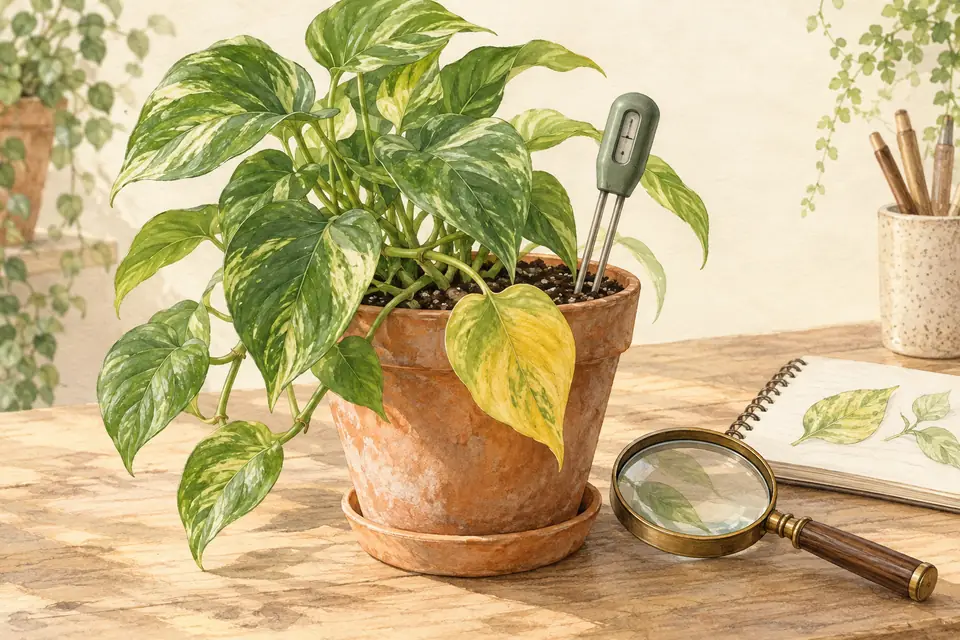
You want to know if your trailing houseplant is a pothos or a heartleaf philodendron. The two look alike, and the room is dim. Open the curtains fully and photograph during the brightest part of the day. Turn off the flash. Rest the phone on the sill to keep it steady.
Take a wide view of the whole plant first. Then photograph one leaf from above, its underside, and the stem where a new leaf is coming out. Add a close-up of a node with its aerial root. These views show the leaf texture and how new leaves grow, which a single leaf photo misses.
5. Add context without damaging the plant
For your own notes or a specialist, record the date, general region, approximate size, and whether the plant is cultivated or growing wild. These details can help evaluate a suggestion, but location alone never proves identity.
If scale is needed, place a ruler nearby without disturbing the plant. Avoid touching unknown plants, tasting leaves, rubbing sap, or breaking stems to gather more information. Stay on permitted paths and respect local rules.
Before uploading, check the background for people, documents, or other private details. Use your own photographs or images you have permission to share. Review the site’s privacy information to understand how uploaded images are processed.
Read the privacy policy6. Review the suggestion, not just its score
Compare the suggested plant with your actual specimen: leaf arrangement, shape, stems, flowers, and overall growth. Similar-looking species may share many features, and an important distinguishing detail may be absent from the photograph.
If the plant is in bloom, the step-by-step flower identification guide lists the features to check in order, and the clover identification guide shows how a few close-up views separate common lookalikes.
If results disagree between views, keep the identification uncertain. Recheck focus and framing, collect another useful view, or ask a knowledgeable local person. Do not repeatedly submit the same unclear image expecting certainty.
Never use an automated match or confidence score as proof that a plant is edible or safe for people or pets. For poisoning or exposure concerns, seek appropriate professional help rather than spending time taking more identification photos.
Return to plant identificationA real test: why a suggested name is not enough
In an October 3, 2026 functional test, a reference photograph labeled Monstera deliciosa returned that suggested name, but the same response marked the image as non-plant. A separate photograph of electronics was correctly marked non-plant. Both requests completed successfully. A working API can still give conflicting botanical signals.
Check the entire specimen and several attached features before accepting a name. When signals conflict, keep the result uncertain and obtain a better whole-plant view or local expert help.
Reference test photo: Derek Ramsey, 2006, Chanticleer Garden; CC BY-SA 3.0. Used as a test fixture, not a Doofer specimen or growing experiment.
View the reference test photograph and licenseYour plant observation record
Keep a dated record you can compare later or take to a local expert. These notes are your observations, not an identification or diagnosis.
Include whole-plant, attached-leaf, stem, and flower views; note the features that agree or disagree with a suggested match.
Notes stay on this page and are not uploaded or saved automatically. Download them before leaving. Keep photos separately.
Frequently Asked Questions
Answers to common questions about plant care and this tool.
Related plant guides and tools
View all guides
Further reading and references
- Making an observation with the iNaturalist iPhone app — iNaturalist Help Explains using multiple views of the same organism to capture identification features. The app workflow differs from Doofer. [Source ]
- Tips for Submitting Photos to Ask Extension — University of Maryland Extension Practical advice on focus, light direction, digital zoom, size references, and the views that help plant identification. [Source ]